 ExtLab
 ExtLab Hide AI
Hide AI Overviews on Google Search
One switch hides the AI block at the top of your results. It is built to find that block by its structure and its label, and to leave real results alone.
- Free to start
- No account
- Searches stay in your browser
How it works
- 1
Add it to Chrome
There is no account and nothing to set up. Hiding is on from the start.
- 2
Search as usual
When it hides an overview, a small note appears in the corner of the window.
- 3
Peek when you want
Click Show on the note for that one search, or pause everything with the switch.
A closer look
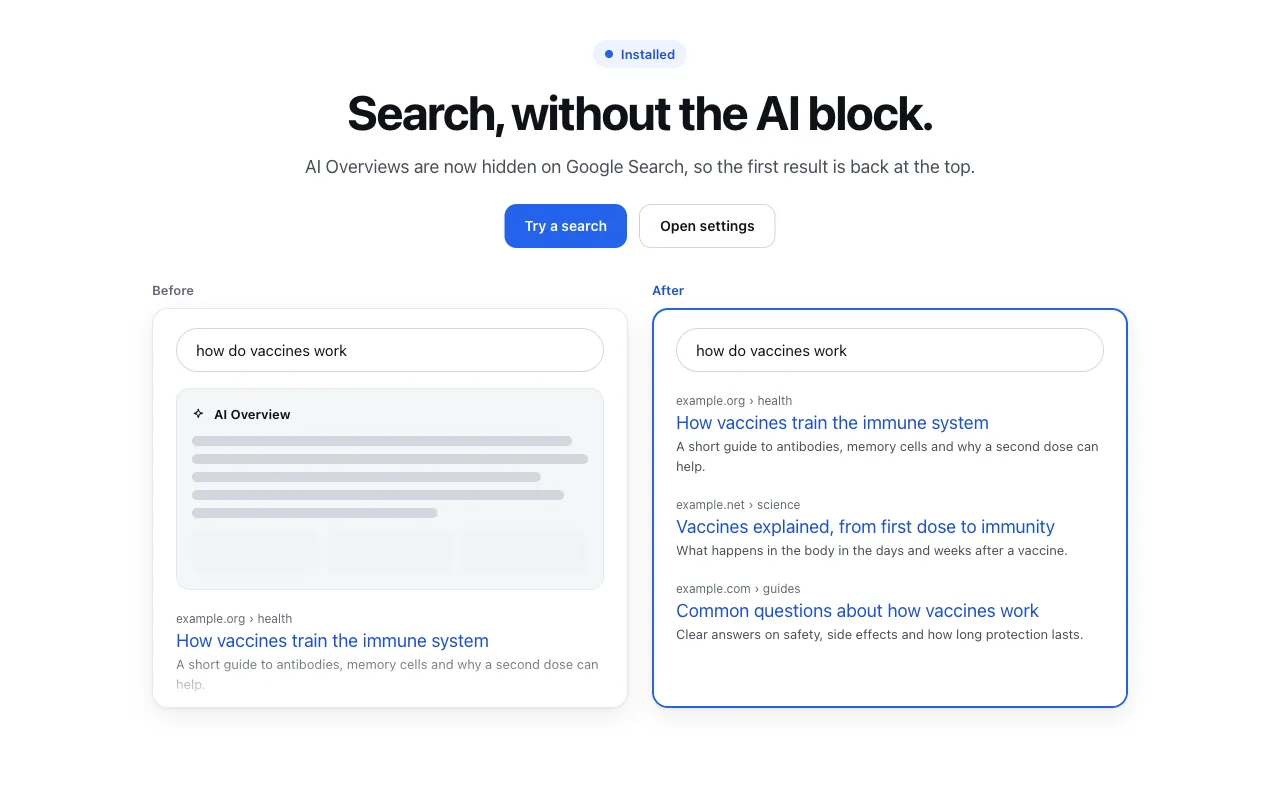
The welcome page explains the change. This is a mock results page with example sites, not a capture of Google. 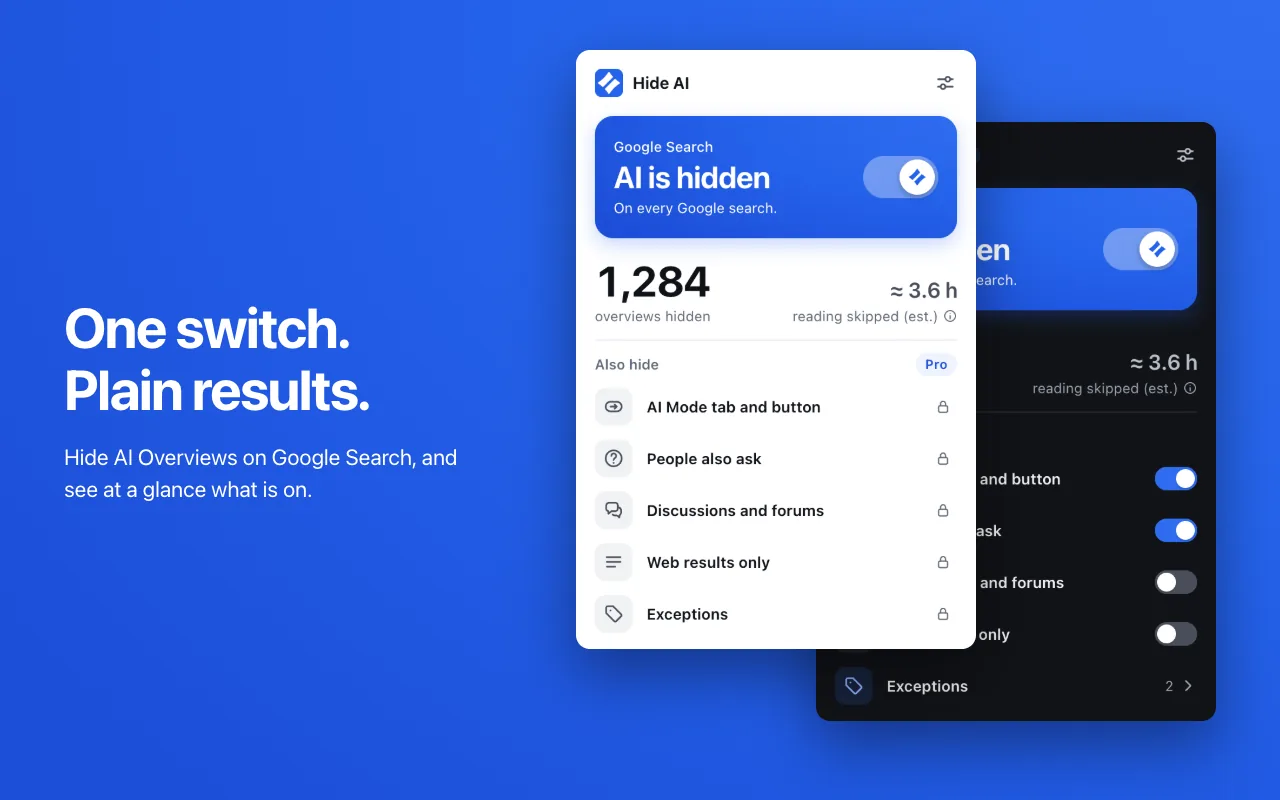
One switch turns it on and off. The count here is sample data. 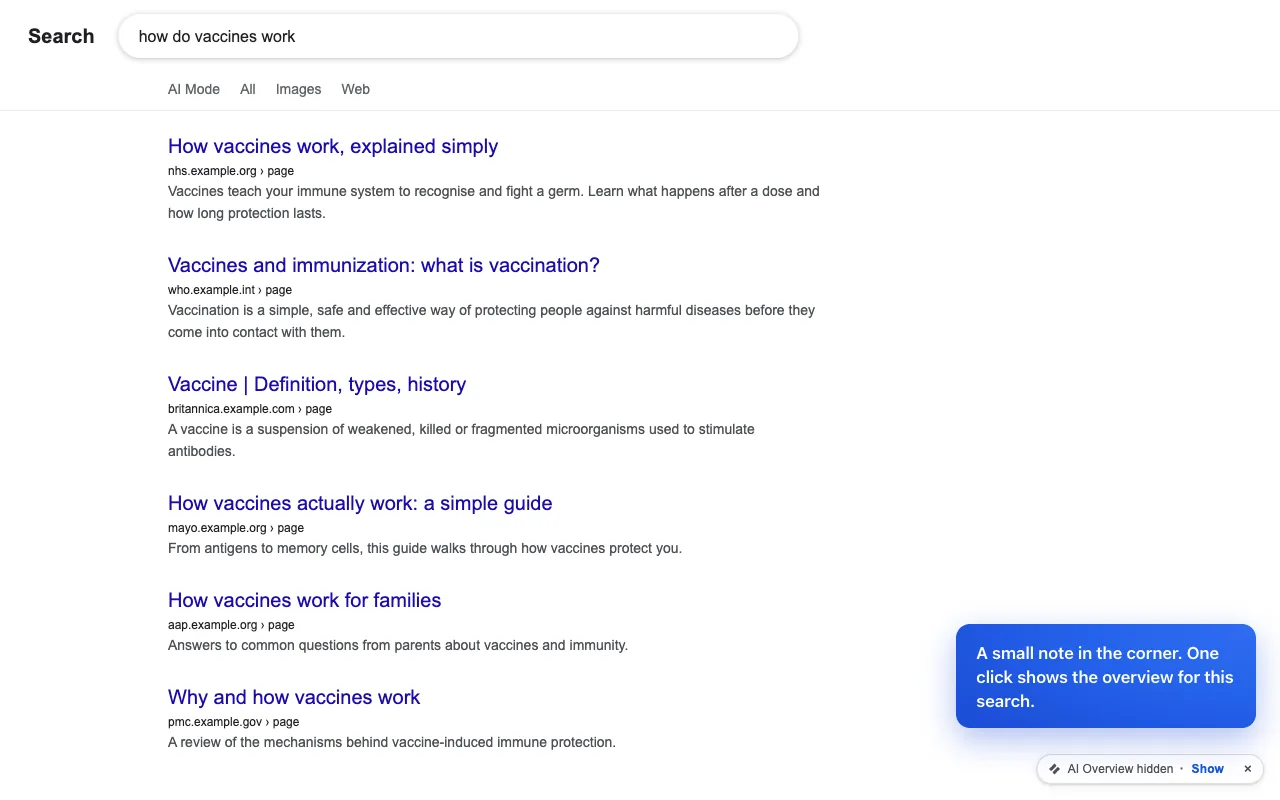
A note in the corner reveals the overview for one search. This is a mock results page, not a capture of Google. 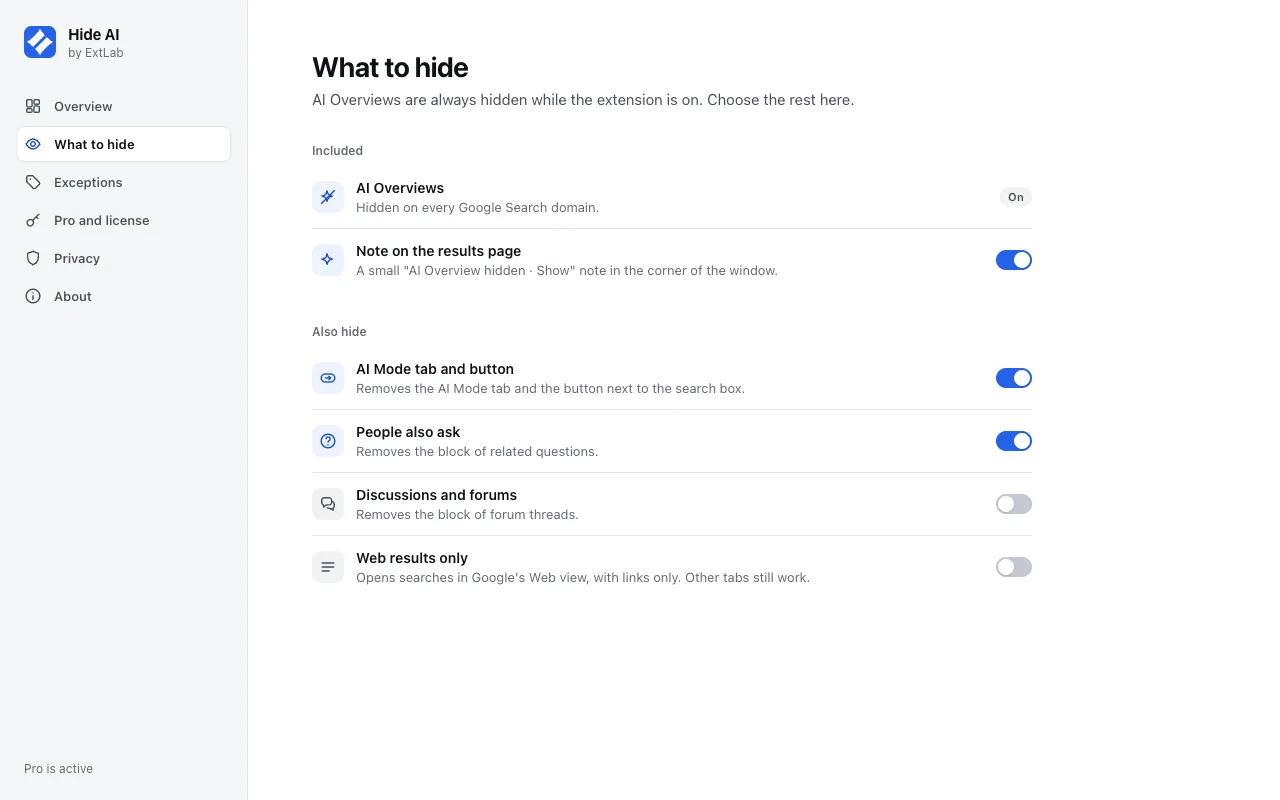
Pro: choose what else to hide.
Free and Pro
The free version does the core job, with no time limit. Pro adds the rest.
| Feature | Free | Pro |
|---|---|---|
| Hide AI Overviews on every Google Search domain | Included | Included |
| One-click pause with a large master switch | Included | Included |
| A small "AI Overview hidden · Show" note that reveals it for one search | Included | Included |
| A guard that keeps any block with an organic result on the page | Included | Included |
| Detection by page structure and by label in more than 30 languages | Included | Included |
| A local count of overviews hidden, with a labelled estimate of reading time | Included | Included |
| Hide the AI Mode tab and button | Not included | Included |
| Hide People also ask and Discussions blocks, each with its own switch | Not included | Included |
| Web results only mode for every search | Not included | Included |
| An exception list of words where AI stays | Not included | Included |
Pricing
Free
$0
The core features, with no account. No time limit.
- Hide AI Overviews on every Google Search domain
- One-click pause with a large master switch
- A small "AI Overview hidden · Show" note that reveals it for one search
- A guard that keeps any block with an organic result on the page
Pro
$9/yr
Every feature, on 3 browsers with one key.
Billed yearly on Gumroad. A 7-day free trial starts from the extension.
Good to know
- Google can change its page at any time. A change can stop detection until the rules are updated.
- It hides blocks in your browser. It changes no setting in your Google account.
- It works on Google Search in Chrome on a computer. It does not cover Bing, DuckDuckGo or phones.
- Show lasts for one search. A new search or a reload hides the overview again.
FAQ
Will it hide real search results?
It is built not to. Each block passes a guard before it is hidden. If a block holds an organic result, or the results list itself, it stays on the page.
What happens when Google changes its page?
It may miss a block for a while. Detection uses several signals, so it does not rest on one class name, but a large change can still stop it. Detection rules can then be updated within about a day, without a store review. These updates are data only, never code.
Can I still see an AI Overview when I want one?
Yes. Click Show on the small note for that search, or pause everything with the switch. With Pro, you can list words where AI always stays.
Why does it ask for access to so many Google sites?
Chrome has no wildcard for a country domain, so each Google Search domain must be listed. It runs only on the search and home pages of those domains, and on no other site.
Does it send my searches anywhere?
No. Queries, URLs and page text never leave your browser. The extension sends only license checks, anonymous usage statistics that you can turn off, and a daily fetch of the detection rules.
Does it work on Bing or DuckDuckGo?
No. It works on Google Search only.
Does it work offline?
Yes. ExtLab Hide AI keeps your data in your browser. A paid license also keeps working for 14 days without a connection.
How does the license work?
Buy on Gumroad and you get a license key by email. Paste it into the extension's options page. One key covers 3 browsers.
What happens if I cancel?
Pro stays on until the end of the year you paid for. After that the extension falls back to the free tier, and your data stays where it is.
Do you see the sites I visit?
No. ExtLab never collects URLs or page content. The privacy page lists everything we do collect.
Hide AI Overviews on Google Search
Free to start · No account · Searches stay in your browser